Keep Your Cables Organized – Create a Neat and Functional Home Broadband Setup

Keep Your Cables Organized – Create a Neat and Functional Home Broadband Setup
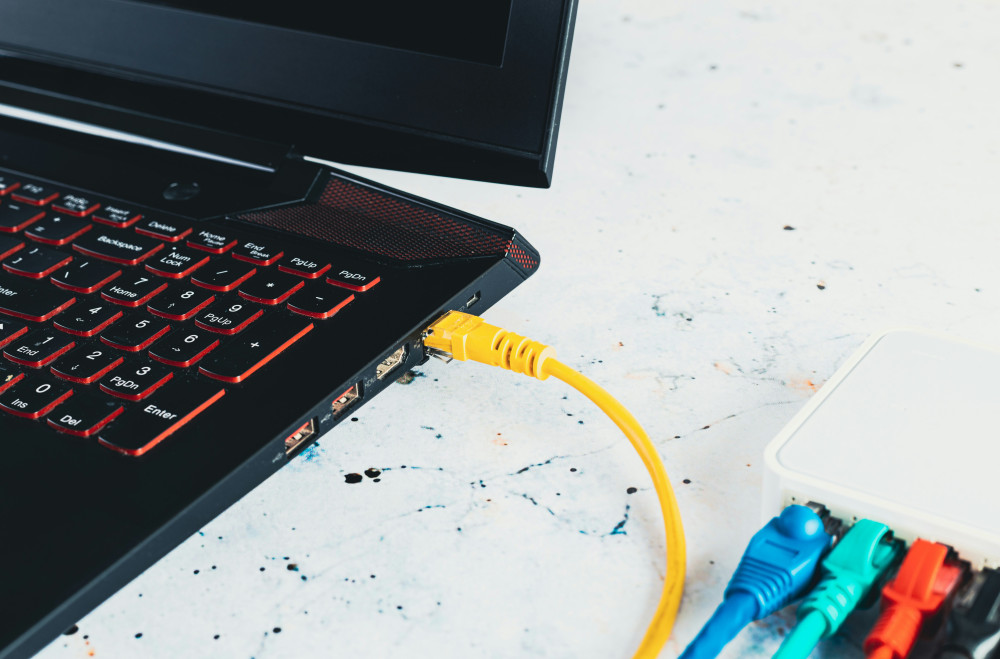
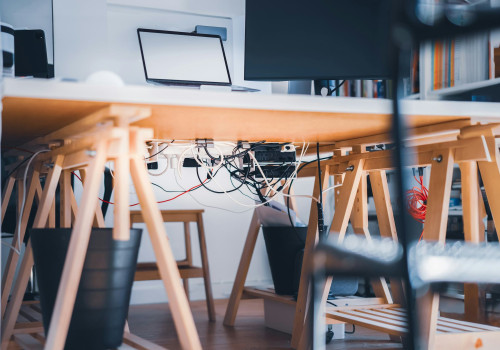
A tangle of cords behind the router, power strips on the floor, and blinking lights in the corner — it’s a familiar sight in many homes. But a clean and well-organized broadband setup isn’t just about looks. A tidy arrangement can actually improve your connection stability, make troubleshooting easier, and extend the life of your equipment. Here’s how to create a setup that’s both neat and functional.
Start by Mapping Out Your Equipment
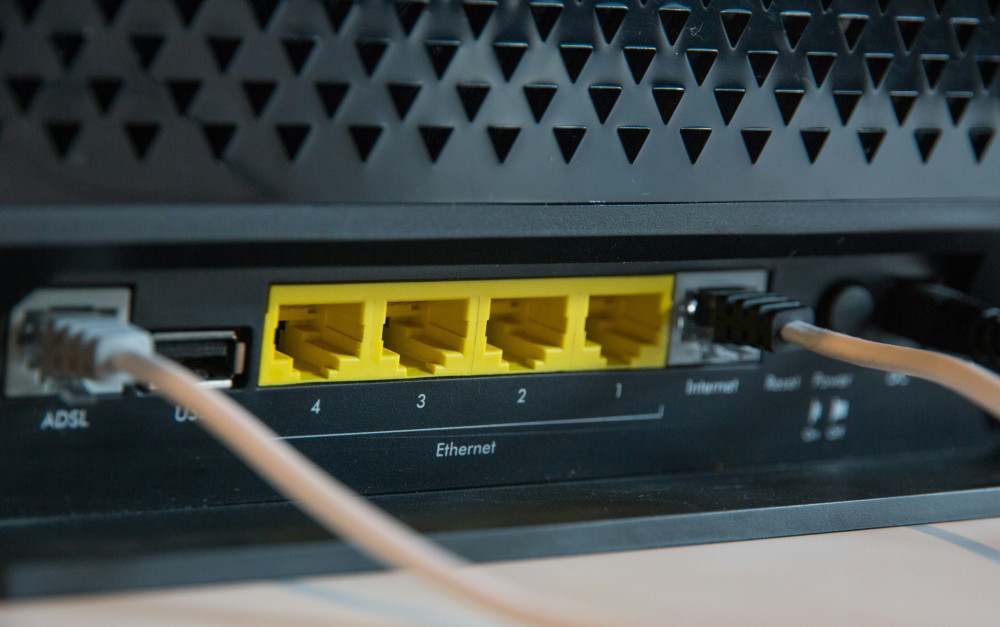
Before you start unplugging anything, take a moment to figure out what you’re working with. Most homes have at least a router, maybe a modem, a fiber terminal, or a mesh system. Add to that the power adapters, Ethernet cables, and possibly TV or phone connections.
Sketch a quick diagram showing how everything is connected and where the cables run. This will help you plan a more logical layout and make it easier to identify what’s what if you ever need to troubleshoot or replace something.
Choose the Right Location
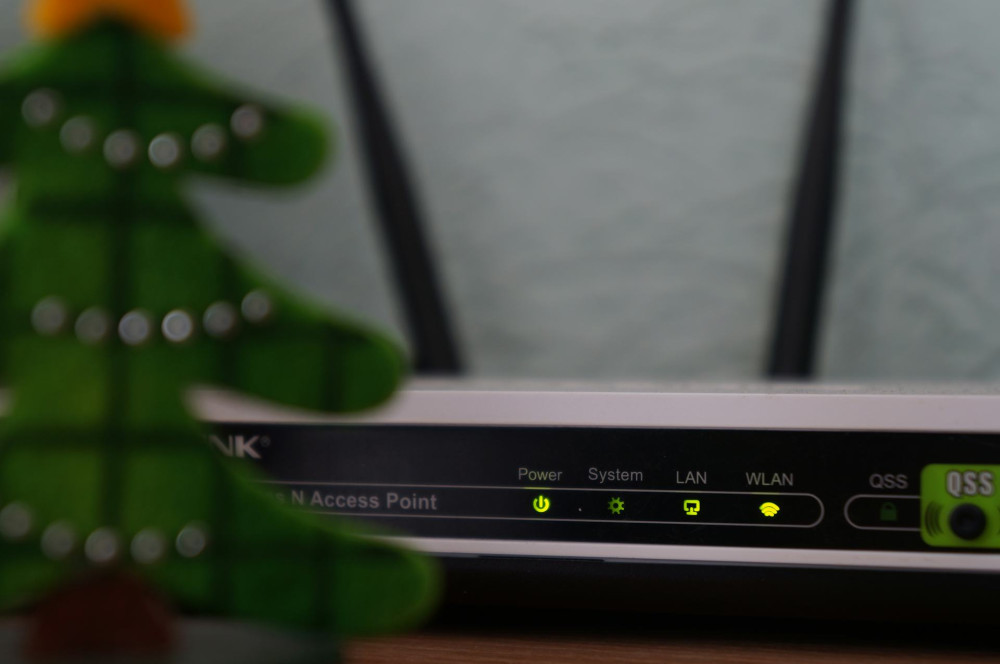
Where you place your router matters — both for performance and appearance. Many people hide it behind the TV or in a cabinet, but that can weaken the signal. Instead, try to position it in a central, open spot in your home, ideally at eye level and away from large metal objects or thick walls.
If you want a clean look, consider placing your equipment on a small shelf, in an open cabinet with ventilation, or inside a cable management box. Avoid stacking devices directly on top of each other, as they can overheat and lose performance.
Hide and Organize the Cables
Cables are often the biggest challenge when it comes to keeping things tidy. Fortunately, there are plenty of simple solutions:
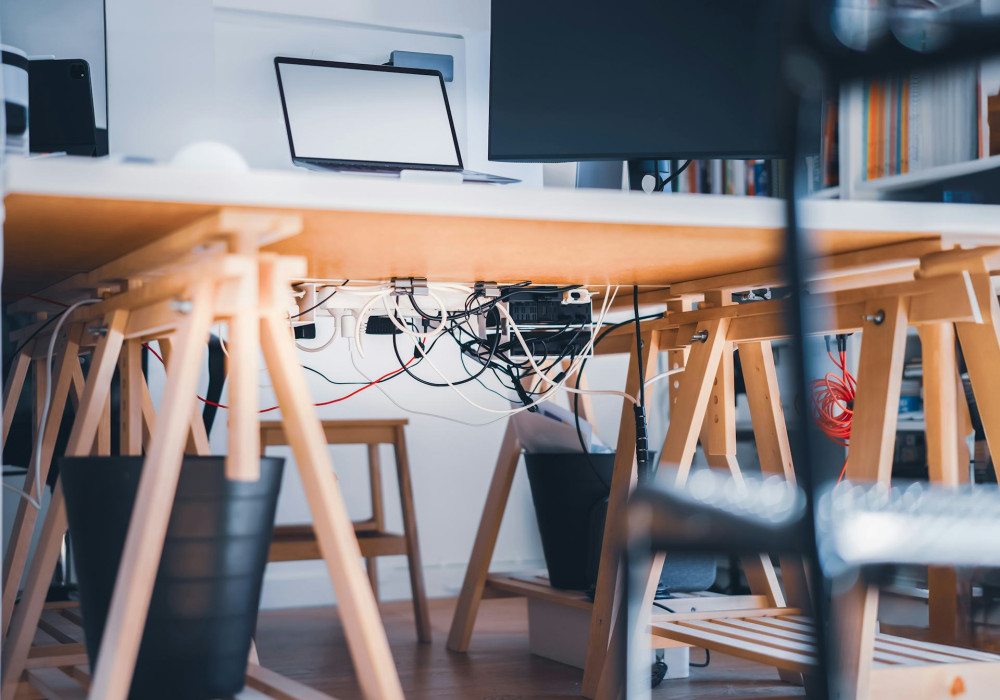
- Cable trays and raceways – Mount them along the wall or under a desk to hide cables neatly.
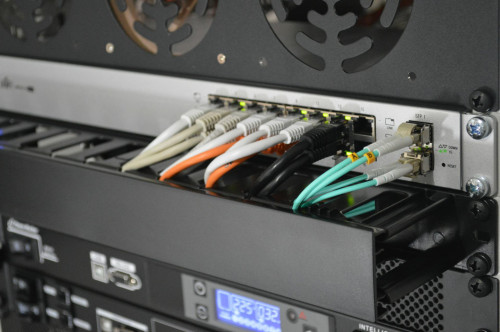
- Velcro ties and zip ties – Bundle cables together and keep them from tangling.
- Cable boxes – Conceal power strips and excess cord length for a cleaner floor area.
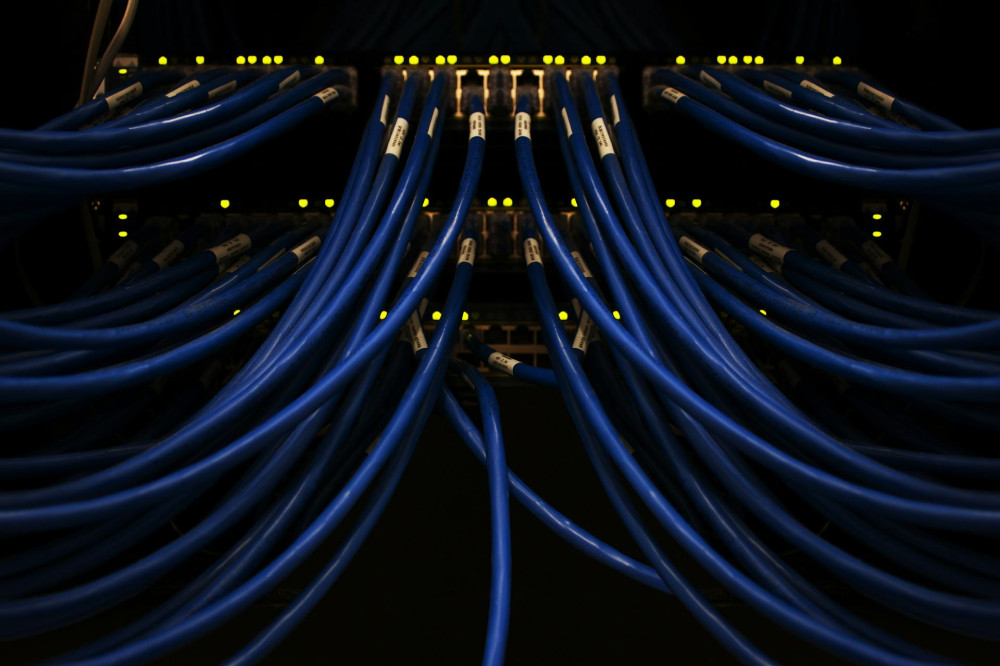
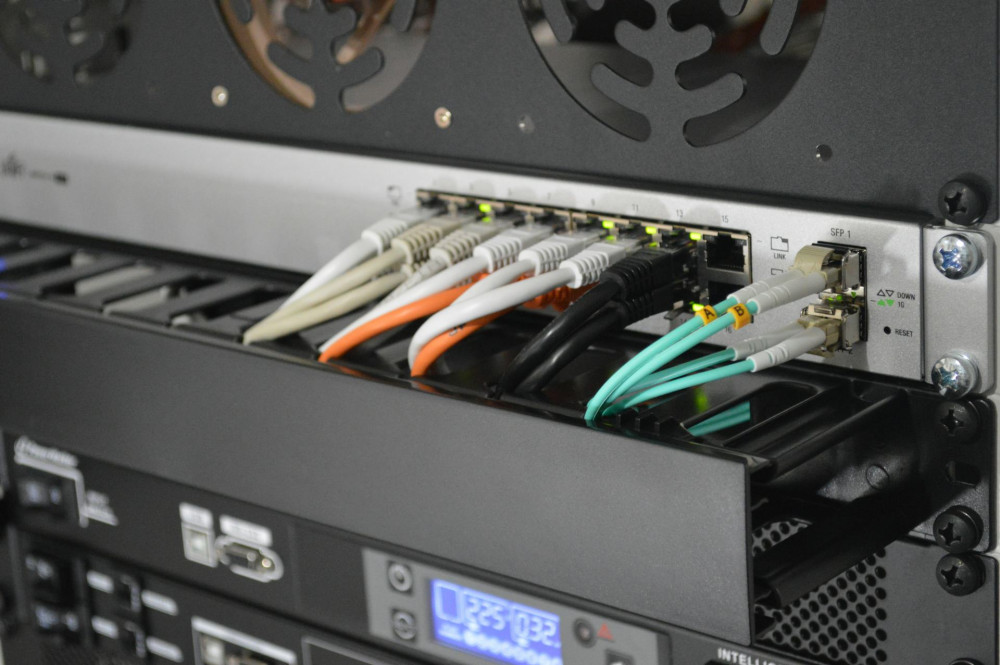
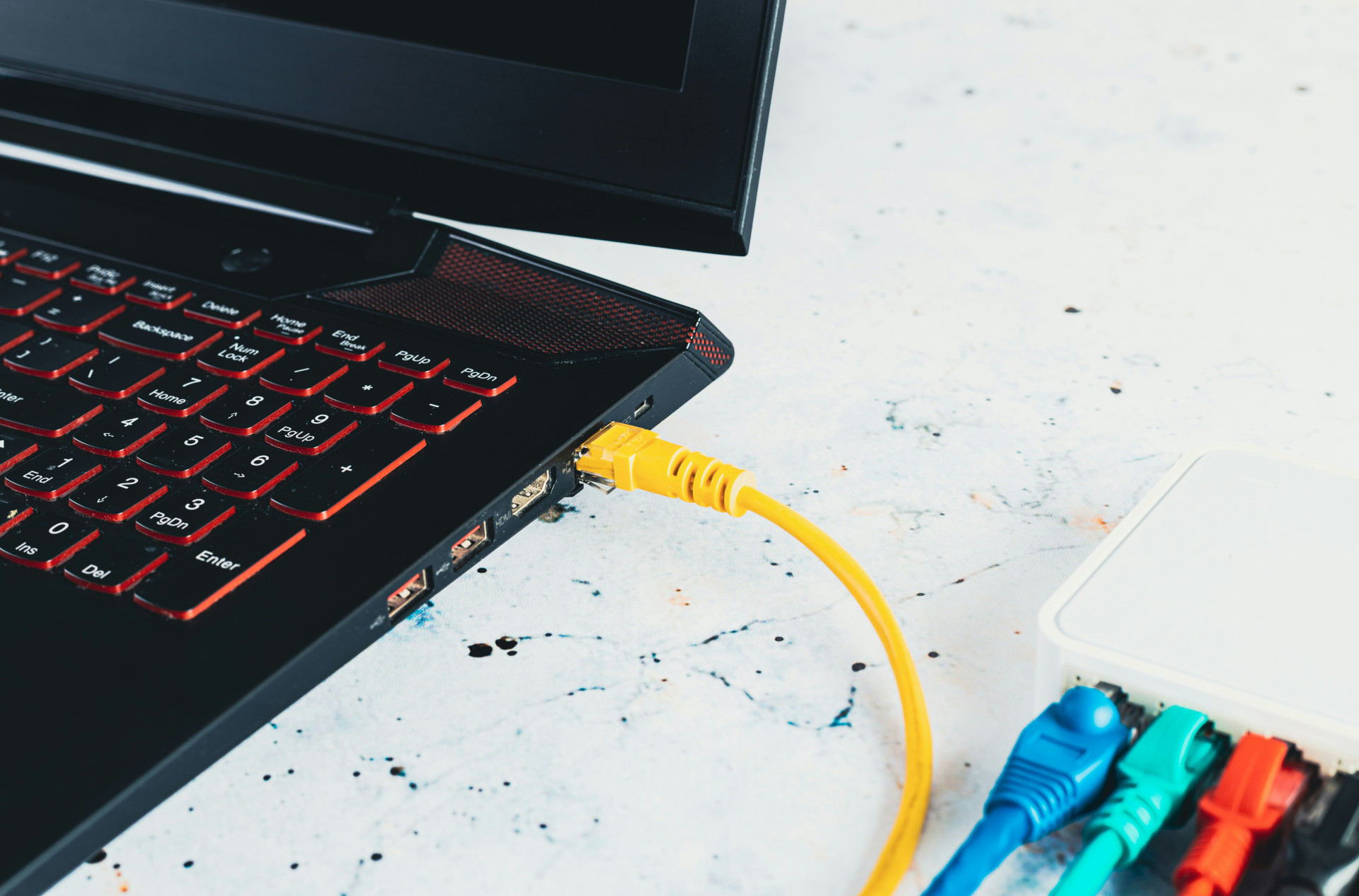
- Labels or color coding – Mark each cable so you know what it connects to. It saves time when you need to unplug or move something.
A good tip is to use cables that are slightly longer than you think you need. That extra length gives you flexibility if you decide to rearrange your setup later.
Think About Ventilation and Safety
When grouping your equipment, make sure there’s still room for air to circulate. Routers and modems generate heat, and if they’re packed too tightly, they can overheat and slow down. Leave at least a couple of inches of space around each device, and don’t cover them with fabric or paper.
Use surge-protected power strips, especially if you live in an area prone to thunderstorms or power fluctuations. They’ll protect your router, computer, and TV from sudden voltage spikes.
Consider Wireless Options — But Use Them Wisely
A neat setup doesn’t mean eliminating all cables, but rather using them smartly. Wireless solutions like Wi-Fi 6 or mesh systems can reduce the number of cables running between rooms, but they still rely on a solid wired foundation.
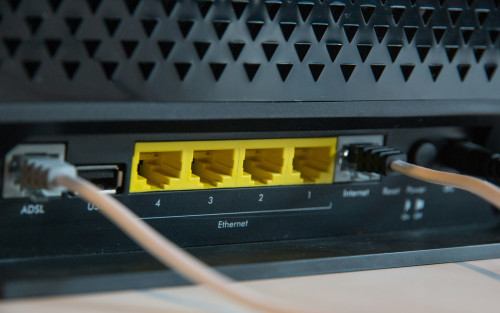
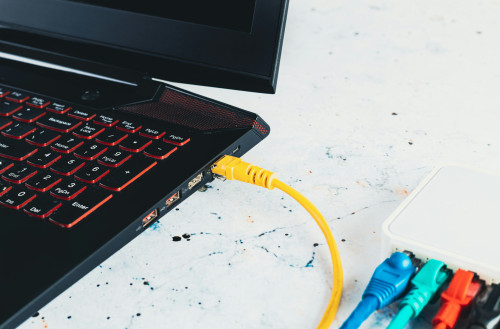
If you have devices that need a stable connection — such as desktop computers, gaming consoles, or smart TVs — it’s still worth using Ethernet cables. They offer lower latency and more consistent speeds than Wi-Fi.
Make Maintenance Easy
A great setup should also be easy to maintain. Make sure you can access cables and ports without having to move heavy furniture. Take photos of your setup so you’ll remember how everything connects if you ever need to move or replace equipment.
Check occasionally that cables are secure and that dust isn’t building up around your router. A few minutes of maintenance can prevent many small issues down the road.
Læs også:
A Tidy Setup Brings Calm and Better Performance
Once your cables are organized, your equipment is neatly arranged, and your connection runs smoothly, you’ll notice the difference — not just in your internet performance, but in your everyday environment. A clean, well-ordered tech corner brings a sense of calm and makes it easier to use and understand your equipment.
A good broadband setup isn’t just for tech enthusiasts. It’s an investment in both functionality and aesthetics — and in a home where technology works for you, not against you.
Læs også: