Small Changes, Big Results: Boosting Efficiency Through Smarter IT Setup

Small Changes, Big Results: Boosting Efficiency Through Smarter IT Setup
In many American businesses and home offices, the IT setup has evolved organically over time. New software, extra devices, and quick fixes have been added layer by layer until the system feels cluttered and sluggish. But improving efficiency doesn’t always require major investments. Small, targeted adjustments can free up time, reduce errors, and make everyday work smoother and more productive.
Start by Identifying Your Bottlenecks
Before making any changes, it’s important to understand where the real problems lie. Are you dealing with slow startup times, disorganized files, or too many disconnected tools? Make a simple list of situations where you lose time or get frustrated. For example:
- When you can’t find the document you need.
- When programs take too long to open.
- When you have to switch between multiple systems to complete one task.
By pinpointing specific bottlenecks, you can focus your efforts where they’ll have the biggest impact and avoid wasting time on unnecessary tweaks.
Clean Up Your Software and Files
One of the easiest ways to boost efficiency is to declutter your digital environment. Many people have outdated software or old files that take up space and slow things down.
- Uninstall unused programs – they can drag down performance and create security risks.
- Organize your folders by project or function so you can find what you need quickly.
- Use cloud storage such as Google Drive, Microsoft OneDrive, or Dropbox to centralize documents and ensure automatic backups.
A well‑structured file system not only saves time but also reduces the risk of mistakes and data loss.
Automate Repetitive Tasks
Many daily routines can be automated with simple tools, saving you time and mental energy. This applies to everything from email management to data entry.
- Set up email rules to automatically sort messages into folders.
- Create shortcuts or macros in the programs you use most often.
- Integrate your systems so data flows automatically between spreadsheets, calendars, and CRM tools.
Even small automations can save minutes every day—and over time, those minutes add up to hours.
Optimize Your Hardware Setup
Efficiency isn’t just about software. The right hardware setup can make a big difference in comfort and productivity.
- Monitors: Dual screens can significantly improve workflow, especially if you multitask or work with large documents.
- Keyboard and mouse: Ergonomic models reduce strain and improve accuracy.
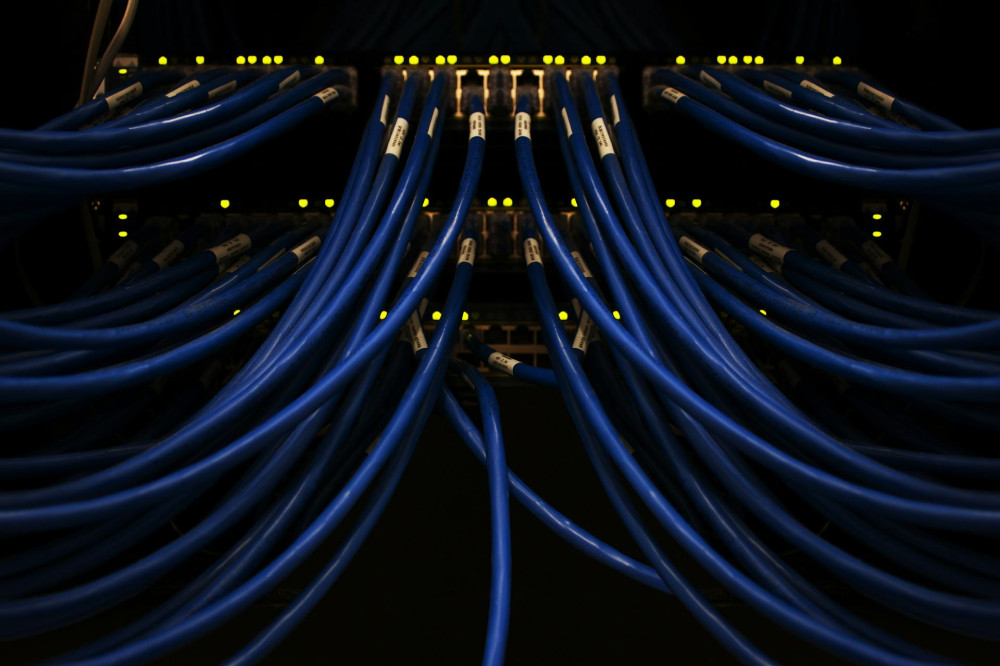
- Network: A fast, reliable internet connection is essential. Consider upgrading your router or using a wired connection for critical tasks.
Small hardware upgrades often pay for themselves quickly through fewer interruptions and smoother workdays.
Make Security Part of Efficiency
A secure system is an efficient system. Malware, phishing, and data loss can bring work to a halt and cost valuable time and money. Protect yourself by:
- Enabling automatic updates for your operating system and software.
- Using two‑factor authentication on important accounts.
- Backing up regularly—ideally both to the cloud and an external drive.
When your system is secure, you can work confidently without worrying about unexpected breakdowns or breaches.
Build a Culture of Continuous Improvement
Efficiency isn’t just about technology—it’s also about habits. Make it part of your routine to review and refine your IT setup regularly. Hold short check‑ins a few times a year to discuss what’s working and what could be improved. This ensures your systems evolve with your needs instead of holding you back.
Læs også:

Small Steps, Big Difference
Optimizing your IT setup doesn’t have to be a massive project. In fact, it’s often the small, thoughtful changes that deliver the biggest results. By cleaning up, automating, and thinking strategically, you can create a system that works for you—not against you. And that’s where the real gains are found: in the small changes that make your workday faster, easier, and more efficient.
Læs også: